The right desk upgrade can make everyday work feel smoother, whether it helps organize cables, improve a call setup, or make room for a second screen.
These 13 home office tech gifts cover practical upgrades for different desks, devices, and work routines.
13 Home Office Tech Gift Ideas for Remote Workers and Desk Setups
SABRENT USB-C 6-Port Hub & M.2 SSD Dock

- Connect peripherals through three USB Type-A ports.
- Use HDMI for an external display at up to 4K@60Hz.
- Add an M.2 SATA or NVMe SSD for portable storage.
Best Gift For: A remote worker who wants to connect peripherals, an external display, and portable storage from a laptop.

SHOKZ OpenRun Pro Bone Conduction Headphones
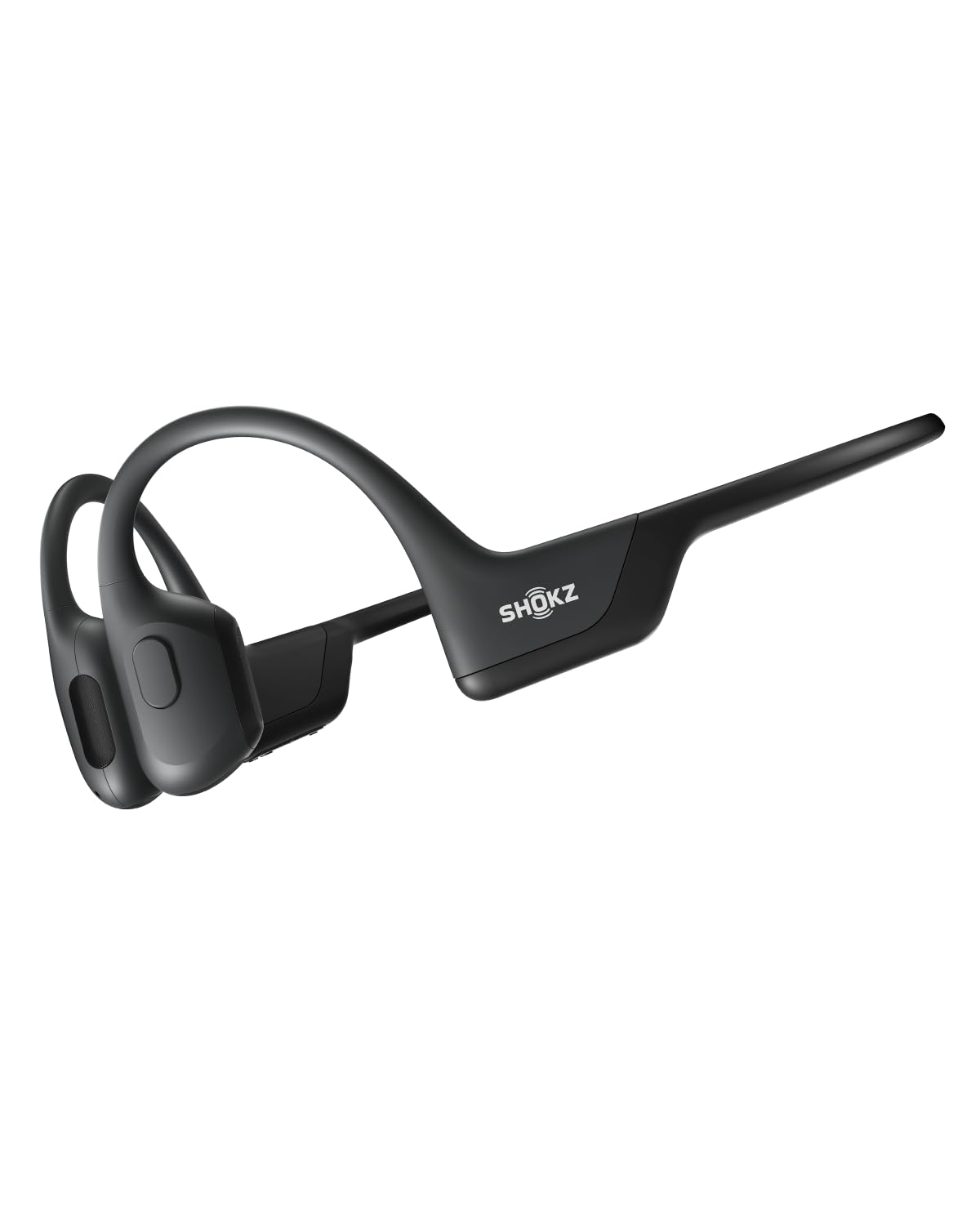
- The bud-free design avoids in-ear headphone discomfort.
- A wraparound titanium frame keeps them stable during training.
- Listen to music, calls, and podcasts for ten continuous hours.
Best Gift For: A home worker who likes open-ear headphones for calls, podcasts, and workout breaks.
SHOKZ OpenFit Open-Ear Wireless Earbuds

- Soft silicone cushions are designed for comfortable wear.
- The flexible ear hooks provide a soft, secure grip.
- The charging case provides up to 28 hours of listening.
Best Gift For: A desk worker who wants open-ear audio and clear conversations while staying connected to their surroundings.
HUANUO FlowLift Dual Monitor Stand

- Fits screens from 13 to 32 inches with compatible VESA holes.
- The arms offer tilt, swivel, and rotation adjustments.
- Built-in cable management guides wires along the arms.
Best Gift For: A remote worker with two compatible screens who wants to free up desk space and adjust their viewing positions.
FIFINE T669 USB Microphone Kit

- The USB connection is plug and play with a PC or laptop.
- The kit includes a boom arm stand and USB cable.
- A double pop filter helps minimize popping sounds.
Best Gift For: A remote worker who records podcasts, voiceovers, or online conference audio at a desk.
BESTEK PD20W Power Strip Tower
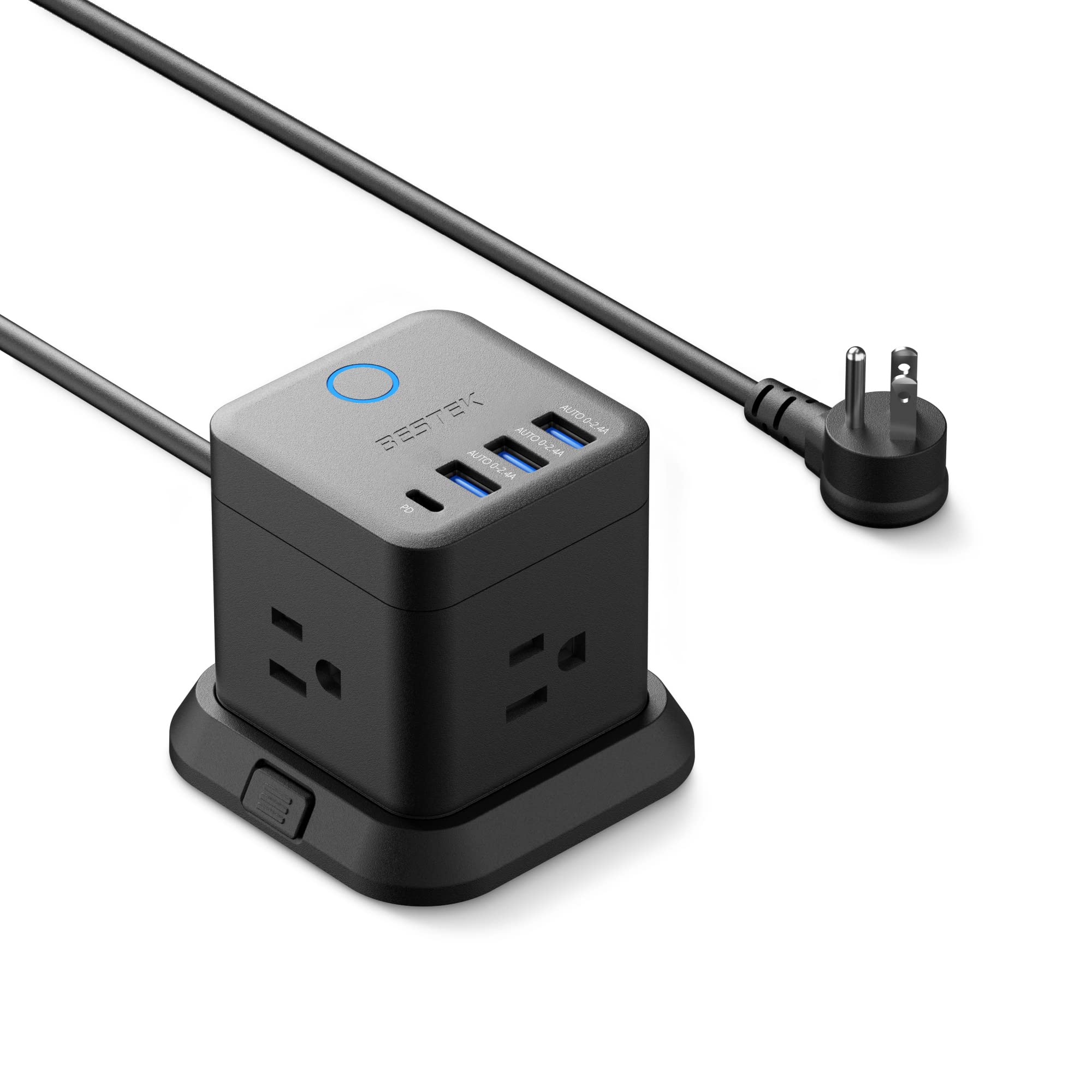
- Includes three outlets, three USB-A ports, and one USB-C PD port.
- The cube can mount on a desktop, under a table, or on a wall.
- The flat plug is designed to fit narrow spaces.
Best Gift For: A home worker who wants to charge several desk devices from one compact power strip.
Phomemo D30 Bluetooth Label Maker
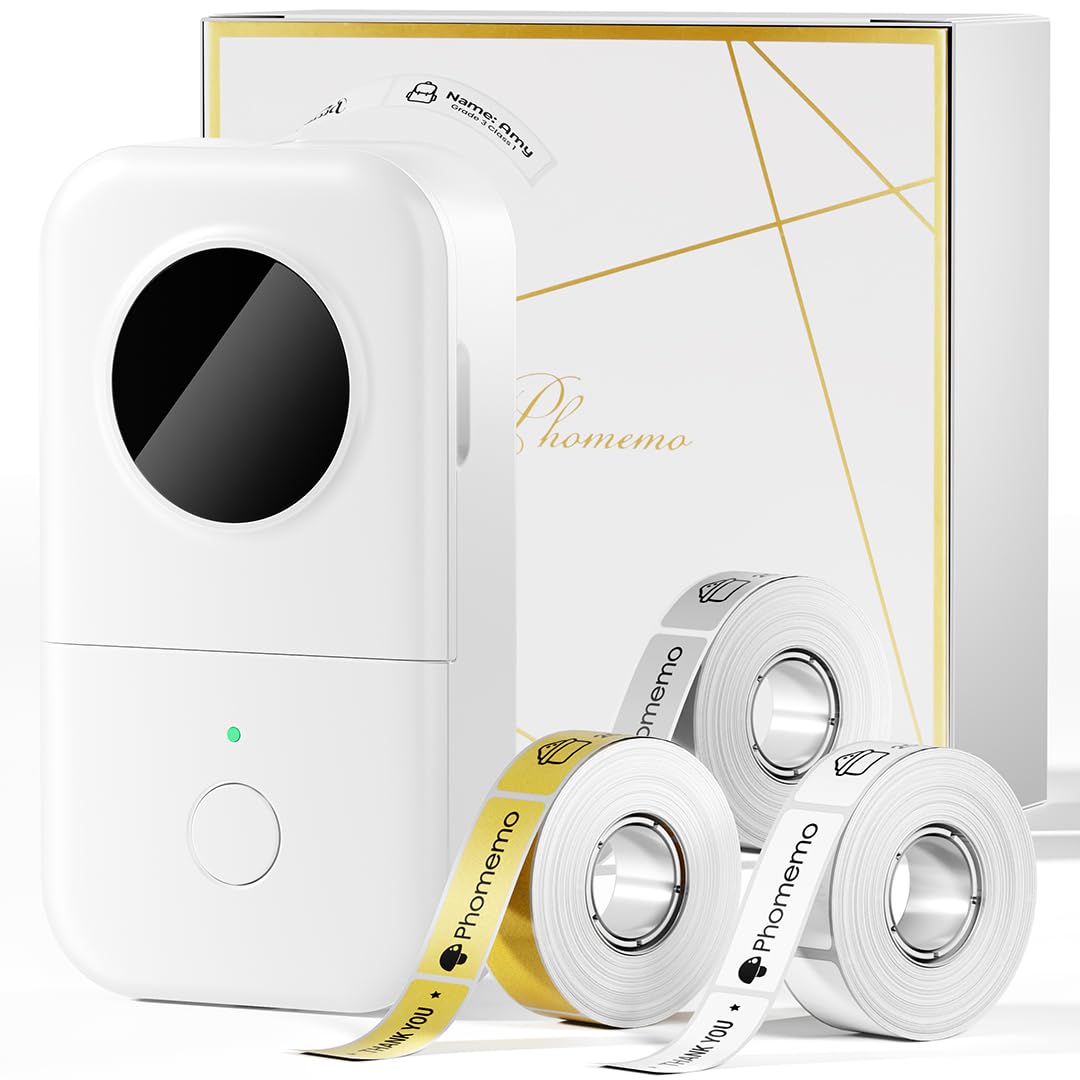
- It prints labels with direct thermal technology, without ink or toner.
- Create labels from a mobile device over Bluetooth.
- The included tapes are white, gold, and clear.
Best Gift For: A home office organizer who wants to label files, cables, and storage supplies.
TP-Link AXE5400 Tri-Band WiFi 6E Router

- The 6 GHz band supports responsive video chatting and gaming.
- OneMesh can connect with a TP-Link OneMesh Extender.
- It supports VPN server and client functionality.
Best Gift For: A remote worker whose home network supports WiFi 6E and could use capacity for simultaneous devices.
SteelSeries Apex Pro HyperMagnetic Gaming Keyboard

- Adjust actuation across 40 per-key levels.
- The OLED display shows information from games and apps.
- USB passthrough connects another USB-powered device.
Best Gift For: A desk worker who enjoys customizing key response and using a keyboard for gaming after work.
Audioengine A2+ Wireless Computer Speakers

- These powered speakers are designed for nearfield desk listening.
- Bluetooth supports wireless streaming from phones, tablets, and computers.
- The real wood cabinets are hand finished.
Best Gift For: A remote worker who enjoys listening to music, podcasts, or calls at a desk.
Nulaxy Pull-Out Height Adjustable Laptop Stand

- Raise a laptop screen from 1.2 to 20 inches.
- The stand fits laptop sizes from 10 to 17 inches.
- Its foldable design helps save desk space.
Best Gift For: A laptop user who switches between seated and standing work at a desk.
SteelSeries Rival 5 Gaming Mouse

- The mouse has a programmable nine-button layout.
- Five side buttons provide quick actions.
- Its optical sensor uses one-to-one tracking.
Best Gift For: A home worker who also plays fast-paced PC games and wants programmable controls.
MAONO T1 Wireless Lavalier Microphone
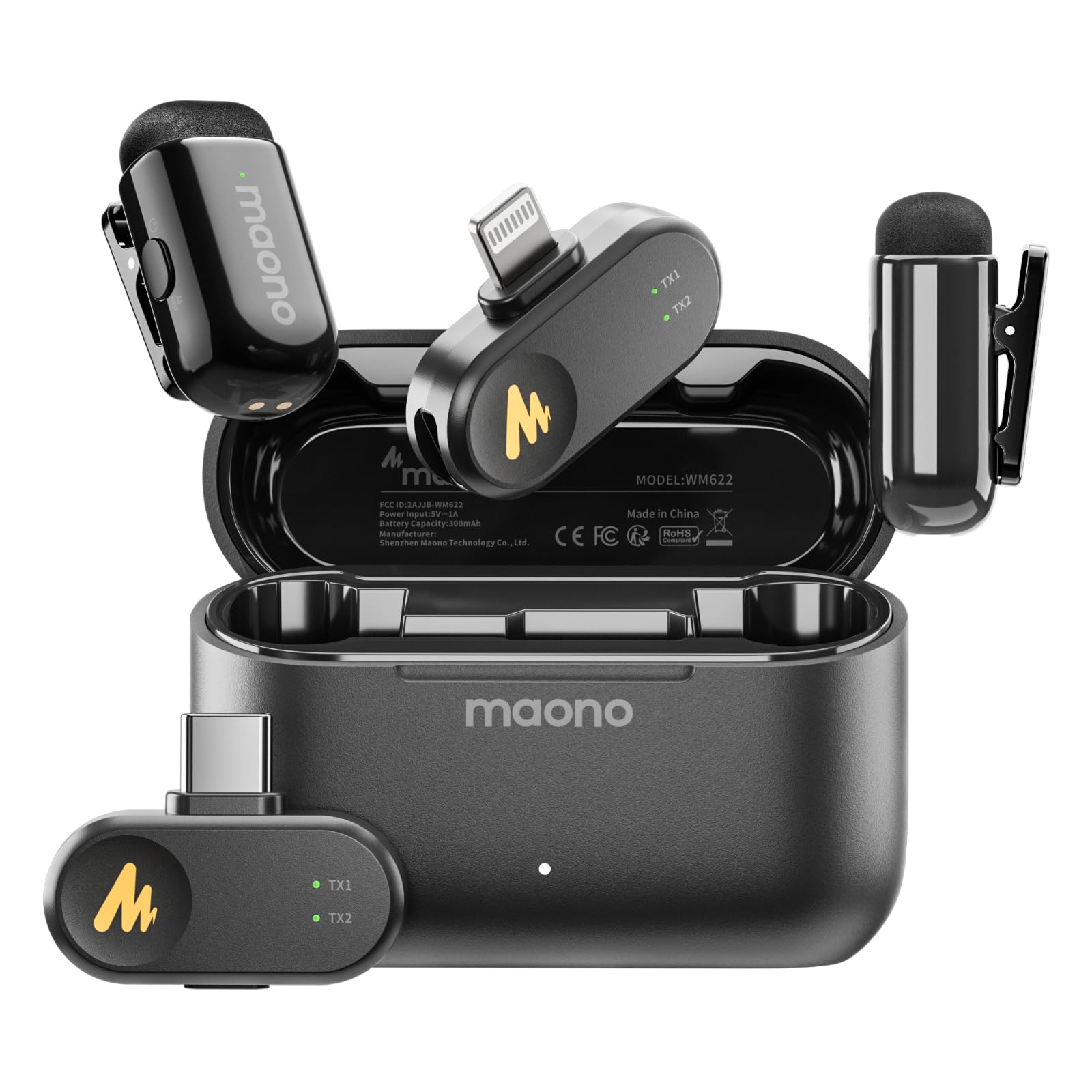
- The combo set includes Lightning and USB-C receivers.
- The receiver can charge a device while recording.
- Choose among four voice filters in the app.
Best Gift For: A remote worker who records interviews, meetings, or videos on a compatible phone, tablet, or computer.
Choosing home office tech gifts for their work style
Start with the part of the workday that causes the most friction. A person juggling video calls and documents may appreciate a tidier screen setup, while someone who records training clips or interviews may get more use from a microphone.
These home office tech gifts span desk organization, audio, connectivity, and input devices, so begin with their daily routine rather than the most elaborate upgrade.
Think about how the recipient works across devices. A laptop user who moves between rooms may value a compact connection or adjustable stand, while someone with a permanent desk may prefer an upgrade that stays in place.
Before choosing a hub, stand, or router, check the recipient’s computer ports, screen mounting pattern, desk construction, and home network needs.
Also consider shared spaces and sound habits. Speakers can suit someone who listens at a desk, while headphones or a microphone may work better when calls happen near other people.
If they already own a preferred audio setup, choose an adjacent improvement, such as cable organization or a better place for charging devices.
Balancing budget and usefulness
Set a comfortable spending range, then focus on the gift that solves a repeated annoyance. A practical desk accessory can be meaningful when it clears clutter every day; a more involved audio or networking upgrade makes sense when the recipient has a specific need and the rest of their setup can support it.
Check actual prices before deciding, since prices can change.
For larger upgrades, consider what else may be needed. A monitor mount depends on screen and desk compatibility, and a router may require a separate modem for many internet providers.
Confirm the person’s equipment and current setup before purchasing so the gift is useful when opened rather than becoming a project with unexpected requirements.
For a lower-cost choice, look for something they can use right away with tools or devices they already have. Labels, charging organization, or a laptop stand may fit a small home office refresh.
If you are uncertain about compatibility, pick a flexible accessory or include a gift receipt where available.
Personalize the setup
The most thoughtful home office tech gifts reflect the way someone actually works. For a person who takes calls from different rooms, think about portable audio; for someone who labels cables, files, or supplies, consider a desk organization tool.
Match the gift to a routine they mention often, such as rearranging a desk or recording short presentations.
Presentation can connect the item to a personal detail. Pair a desk upgrade with a handwritten note naming the work habit it supports, or wrap a small accessory with a favorite notebook or coffee.
Keep the packaging easy to open and avoid assembling or configuring electronics on the recipient’s behalf unless they have asked for that help.
If the gift has setup steps, make the handoff comfortable. Offer to help check device compatibility or arrange a time to connect it, while leaving the recipient in control of accounts, network settings, and personal devices.
A simple note with the model name and return information can also make setup less stressful.
Buy with setup and delivery timing in mind
For a close deadline, prioritize items that are easy to match with what the recipient already owns. Check the exact connector, operating system, desk layout, screen mounting needs, and dimensions before ordering.
For anything that depends on a phone or computer, verify current compatibility details and make sure the recipient will have the right device available.
Review current delivery estimates at checkout instead of relying on a general assumption about timing. If an item may arrive late, a printed note or a small desk accessory can mark the occasion while the main gift is on its way.
Keep the order confirmation and return details accessible in case a device match needs adjustment.
A last-minute gift can still feel deliberate when the note explains why you chose it. Mention the work routine you had in mind, such as making calls easier or clearing a crowded desk.
Leave the setup to the recipient, and offer practical help only if they want it.